

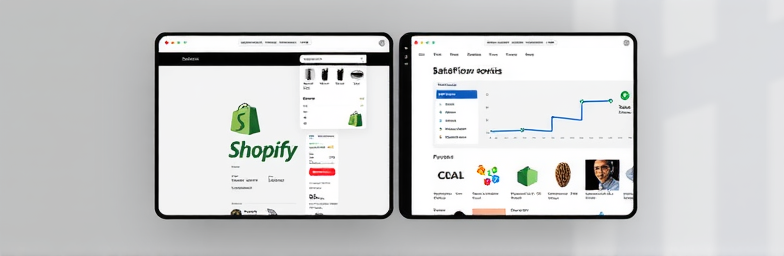
What nobody tells you about migrating from Shopify to Webflow
A prettier website does not equal more sales. Founders switch from Shopify to Webflow for creative control and speed, then launch a beautiful site that somehow underperforms. The issue is not design quality. It is missing systems — the invisible plumbing that turns attention into revenue.
Aesthetics without a decision system fails
Great visuals earn a scroll. Conversions happen when the path to a decision is engineered. That means clear value hierarchy, frictionless discovery, persuasive product pages, smart prompts, and instrumentation that learns from user behavior. When teams migrate, they often replicate pages, not the systems underneath. The result looks better but performs the same or worse.
Shopify did more for you than you think
On Shopify, a lot of heavy lifting lives in apps and the checkout. Filters, reviews, upsells, subscriptions, tax/shipping logic, abandoned cart flows — these are often plug-and-play. In Webflow, you have choices: use Webflow Ecommerce, go hybrid with Shopify checkout, or run a custom stack with Foxy/Stripe. Each path can outperform Shopify on speed and flexibility, but you need to intentionally rebuild the commerce system, not just the templates.
What actually moves conversion
- Offer clarity: Immediate problem-solution fit above the fold, price and delivery expectations in plain view.
- Navigation that sells: Category logic mirrors how customers think; filters that actually filter.
- High-performing PDPs: Positioning, benefits, comparison, social proof, FAQs, clear returns, and risk reversal.
- Performance: Fast first paint and stable layout. Slow PDPs quietly kill paid acquisition.
- Smart prompts: Email/SMS capture with a reason to subscribe; in-stock alerts; contextual cross-sells and bundles.
- Checkout strategy: Minimize steps; show total cost early; honor preferred payment methods.
- Measurement: Events for add-to-cart, variant select, scroll depth, coupon use, and error states feeding GA4 and your CRM.
Example: A DTC accessories brand migrated and kept the same offers, but improved PDP message order, collapsed non-critical content, added size guide in-line, and made shipping costs explicit before cart. Conversion rate moved from 1.8% to 3.2% and AOV rose 9% — no new ad spend.
Migration risks nobody warns you about
- SEO slip: If you change product and collection URLs without precise 301s, you will lose rankings. Also migrate structured data, canonicals, and collection pagination.
- Variant logic: Shopify’s variant URLs and options often map poorly to a flat CMS. Plan the data model first.
- Reviews: Those star ratings in SERPs come from schema tied to your review app. Recreate both the widget and the schema output.
- Abandoned carts and emails: Shopify automates a lot by default. If you do not rebuild flows in Klaviyo/your ESP, you will feel it within 48 hours.
- Customer accounts: You cannot simply lift-and-shift account credentials. Decide whether to run guest checkout, new accounts, or a hybrid with Shopify checkout.
- Analytics: UTM integrity, server-side events, and consent. Many teams relaunch with broken purchase attribution and fly blind for weeks.
The WeCraft way: design plus systems
At WeCraft Studio, we treat migration as an operating upgrade, not a reskin.
- Business and data audit: Why migrate? Where revenue actually comes from. Inventory rules, taxes, shipping, subscriptions.
- Architecture choice: Webflow Ecommerce, hybrid with Shopify checkout, or Foxy/Stripe — decided by SKU complexity, regions, and roadmap.
- Data model and CMS: Categories, variants, bundles, content. We design the schema before we design the UI.
- Conversion-first design: Decision hierarchy, PDP frameworks, mobile-specific interactions, speed budgets.
- Instrumentation: GA4 and server-side event pipelines; granular events for cart, checkout step, error states; dashboards founders actually read.
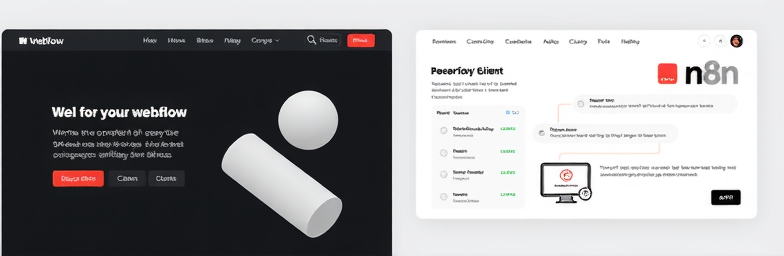
- Automation with n8n: Orders to ERP, stock sync to Webflow, Slack alerts for VIP orders, review capture, back-in-stock, and post-purchase workflows. Less manual, fewer mistakes.
- SEO-preserving migration: Redirect maps, schema parity, sitemap handover, log-based crawl monitoring for 30 days post-launch.
- Controlled rollout: Staged QA, traffic splitting if needed, and a rollback plan that is more than a hope.
A quick example
A skincare founder came to us after a costly redesign left revenue flat. We rebuilt navigation around skin concerns, restructured variants to reduce dead ends, added truthful shipping timelines on PDPs, and implemented n8n flows that pushed orders into their warehouse and triggered review requests on delivery. Results in 60 days: conversion rate from 2.0% to 3.1%, AOV up 12%, support tickets about order status down 38%, and two hours per day saved in manual fulfillment steps.
Should you migrate?
Choose Webflow when you need creative control, faster pages, and content flexibility — and you are ready to rebuild the systems that sell. If you just want a new coat of paint, stay put. If you want a high-performing, owner-friendly stack, plan the migration the way you would a product release.
If you are considering the move, map the business logic first. Then design. Then automate. That is how you turn a beautiful site into a reliable revenue engine.
Insights That Sparkle
Stay inspired with fresh ideas, industry tips, and behind-the-scenes stories. Our blog is where we share trends, knowledge, and a touch of creativity to help you grow, glow, and stay ahead.
%20(1).png)

.png)
.png)
.png)
%20(1).png)